Blue Cap MarketerPURVESH MAHAJANBLUE CAP MARKETER
AI-powered presentation software
I Want to Get Started
🔥 Claim Your Black Friday Pricing!
Planning timer, not an offer deadline.
AI Side Hustle · Introducing Present3D

A $500/Client
AI Side Hustle?

Create interactive 3D presentations with Present3D and offer them to businesses.

Explore a freelance service ideaNo coding required

$500 is an illustrative service price, not a typical or guaranteed earning. Actual pricing, costs and client demand vary.

Turn presentation creation into a service.
Watch the demo, explore the commercial plan and see what you could create for clients.
BUILT FOR PEOPLE WITH SOMETHING TO EXPLAINMarketersCoachesCourse creatorsAgencies

Watch the product walkthrough

See what happens when
your slides start talking.

Watch how Present3D creates interactive presentations and consider how you could use it for your own business or client projects.

Video supplied by Present3D. Features and usage allowances depend on your plan.

Yes! I Want to Start My AI Side Hustle
🔥 Claim Your Black Friday Pricing!Grab the Present3D Black Friday offer while available. Check current pricing and bonus eligibility on the offer page.
Your 15-minute planning sprintPlanning reminder, not an offer deadline.

Present3D product demo gallery

See what your next client presentation could do.

Watch these short vendor demo clips to explore the presentation experience before choosing your plan.

DEMO 01

AI Presenter in Action

See the AI avatar narrate a presentation.

Open video ↗
DEMO 02

Interactive Q&A

Explore how a presenter can pause and respond to questions.

Open video ↗
DEMO 03

Audience Conversations

See the interactive chat experience.

Open video ↗
DEMO 04

Multi-Presentation Experience

Explore the workflow for combining multiple presentations.

Open video ↗

Vendor-hosted product demonstrations, not client results. Full interactive features and availability depend on the selected plan.

Yes! I Want to Start My AI Side Hustle
🔥 Claim Your Black Friday Pricing!Grab the Present3D Black Friday offer while available. Check current pricing and bonus eligibility on the offer page.
Your 15-minute planning sprintPlanning reminder, not an offer deadline.

From a blank slide to a clear plan

Turn your content into interactive 3D presentations.

01

Start with existing content.

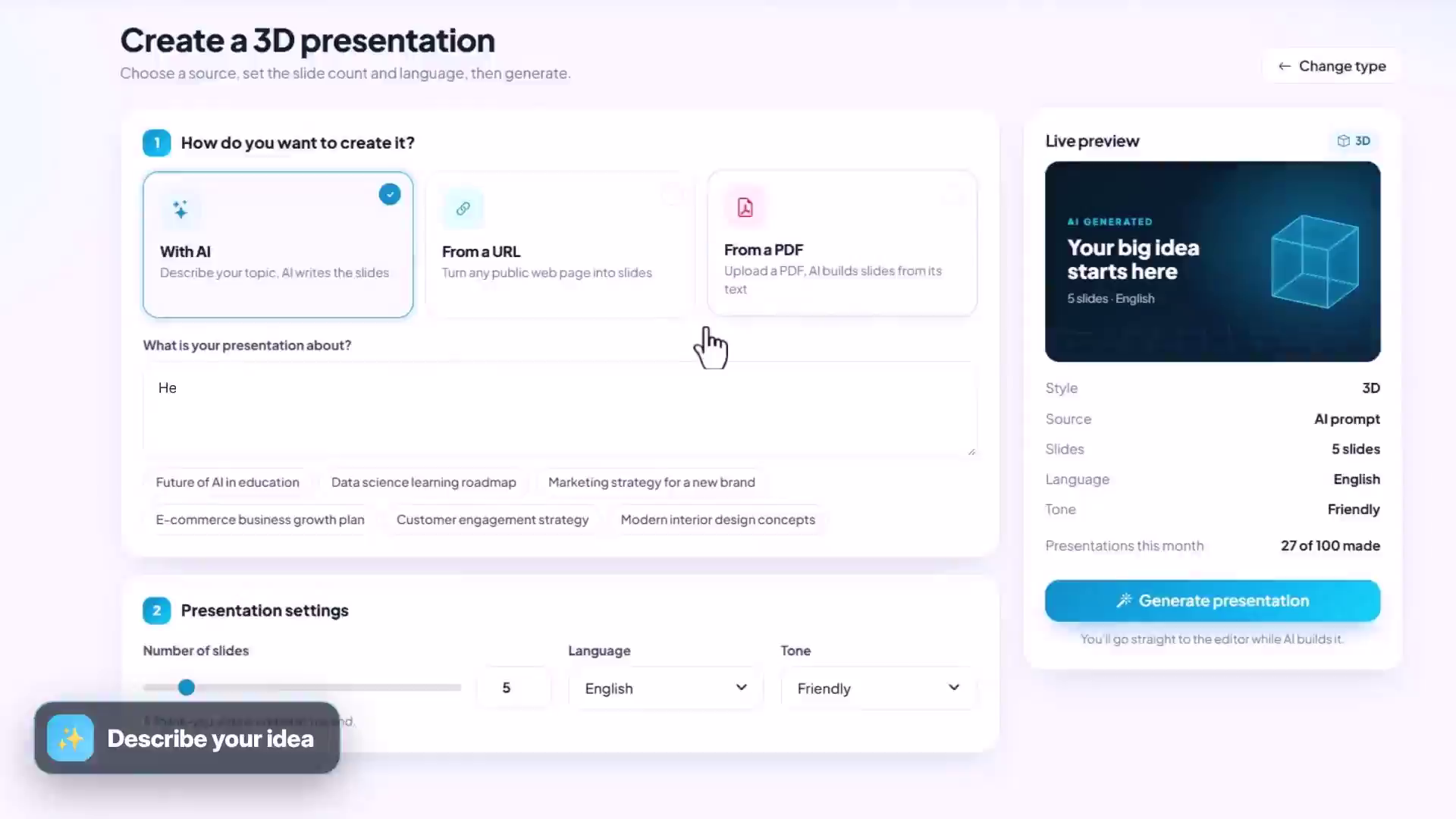
Start from an AI prompt, a website URL or a PDF and shape it into a presentation for your audience.

02

Bring your presentation to life.

Explore AI narration and presentation customization for product demos, coaching offers and client pitches.

03

Explore interactive features.

Explore the vendor demo: content creation, AI narration, audience questions, and lead capture. Features depend on your plan.

INSIDE PRESENT3D
Present3D vendor interface showing three ways to start a presentation: an AI prompt, a website URL, or a PDF.

Three ways to start a presentation

AI promptStart with an idea
Website URLStart with a web page
PDFStart with a document

Actual vendor interface preview above, with a simplified guide below it. Open full-size image ↗

The workflow at a glance3 stages
  1. 01 · START

    Your content

    Idea, website
    or PDF

  2. 02 · CREATE

    3D presentation

    Shape and review
    your story

  3. 03 · ENGAGE

    Conversation

    Invite questions
    and a next step

Explore the vendor demo to see the workflow. Software features vary by plan.

Your presentation, mapped out

5 slides. One clear story.

Give every slide a job. Use this visual roadmap to move from the audience’s problem to a useful next step.

  1. SLIDE 01

    The problem

    Name the challenge.

    “My audience loses interest.”
  2. SLIDE 02

    Your approach

    Show a better way.

    “Make the idea easier to explore.”
  3. SLIDE 03

    The walkthrough

    Show it in action.

    “Here’s how the workflow looks.”
  4. SLIDE 04

    The questions

    Address the unknowns.

    “Will this fit my use case?”
  5. SLIDE 05

    The next step

    Give one clear action.

    “Explore the demo.”

Build a presentation that supports a clear next step.
Use this example roadmap to plan your next Present3D project.

I Want to Get Started
🔥 Claim Your Black Friday Pricing!Grab the Present3D Black Friday offer while available. Check current pricing and bonus eligibility on the offer page.
Your 15-minute planning sprintPlanning reminder, not an offer deadline.

Explore the vendor’s VIP bonus collection

5 bonuses. More ways to put
your presentations to work.

From planning your content to preparing a client pitch, these selected Present3D bonuses support your next steps.

Purchase bonuses · Delivered by Present3D
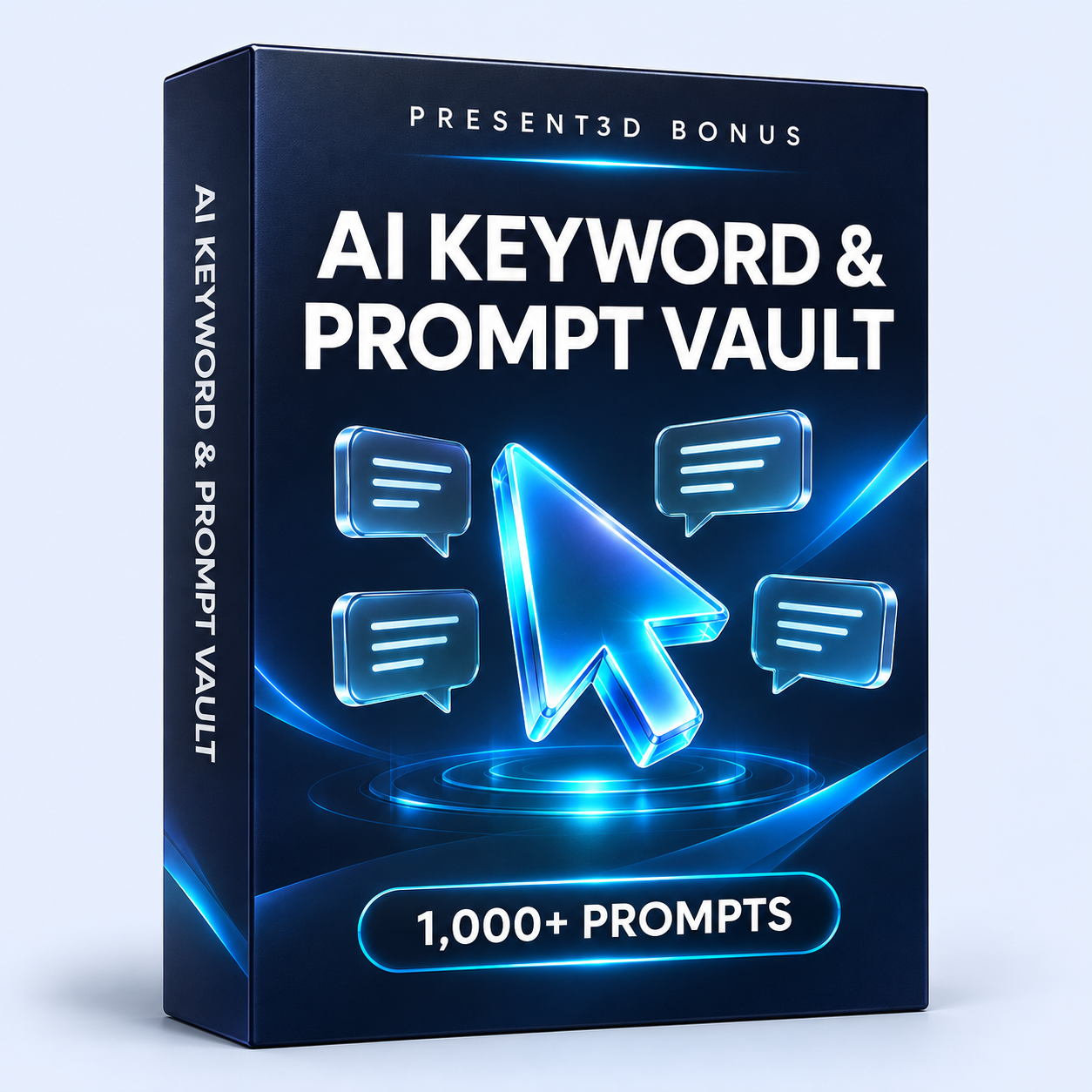
Promotional 3D boxshot for 1,000+ AI Keyword & Prompt Vault
VIP BONUS 01

1,000+ AI Keyword & Prompt Vault

Explore keywords and prompts for sales presentations, pitches, training, and product launches.

Promotional 3D boxshot for Cold Outreach Scripts, Emails & DM Templates
VIP BONUS 02

Cold Outreach Scripts, Emails & DM Templates

Adapt email, WhatsApp, LinkedIn, and Instagram templates to start conversations with potential clients.

Promotional 3D boxshot for Done-For-You Agency Pitch Deck
VIP BONUS 03

Done-For-You Agency Pitch Deck

Personalize a ready-made presentation with your name and logo for your next client pitch.

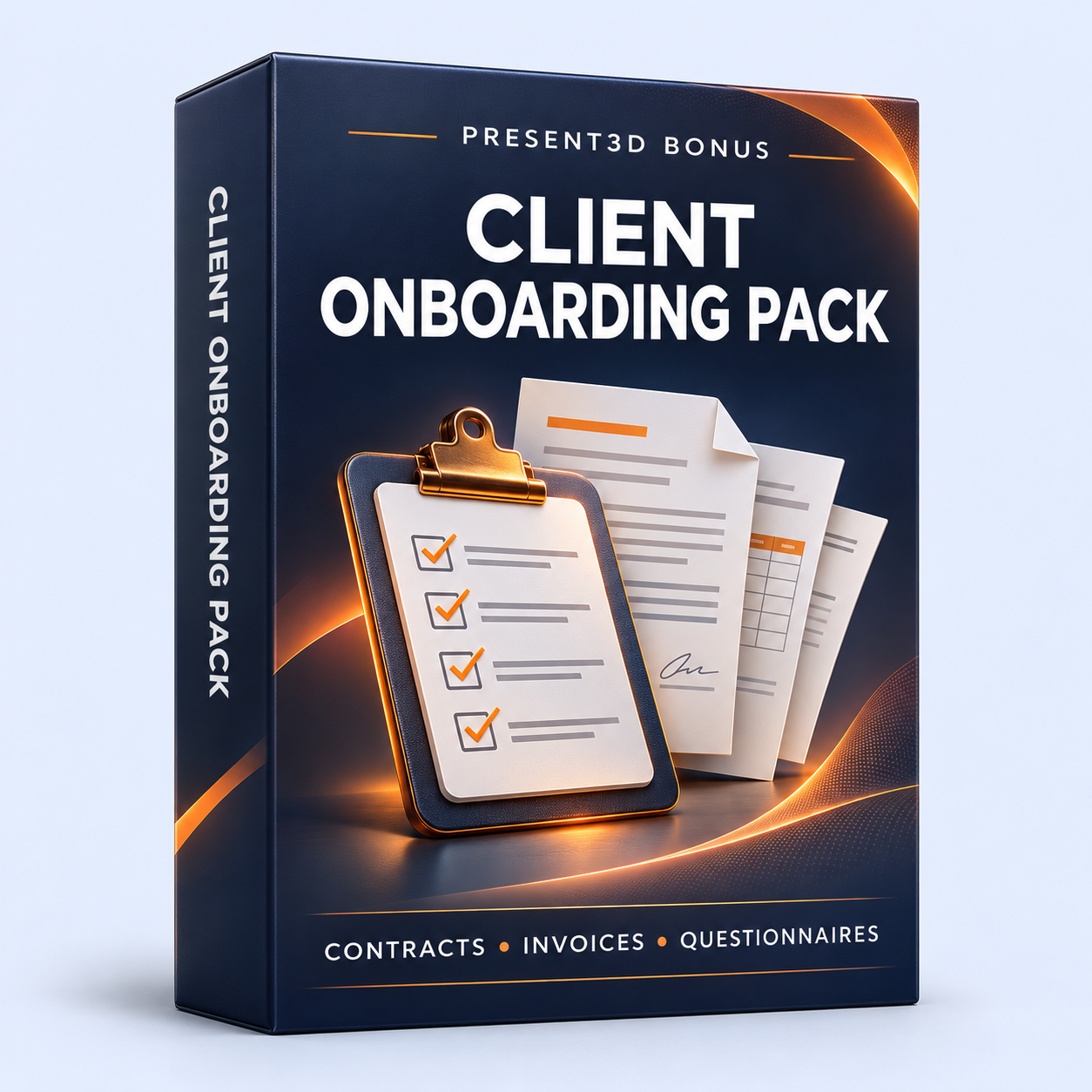
Promotional 3D boxshot for Client Onboarding Pack
VIP BONUS 04

Client Onboarding Pack

Use customizable contracts, invoices, and questionnaires to organize the start of each client project.

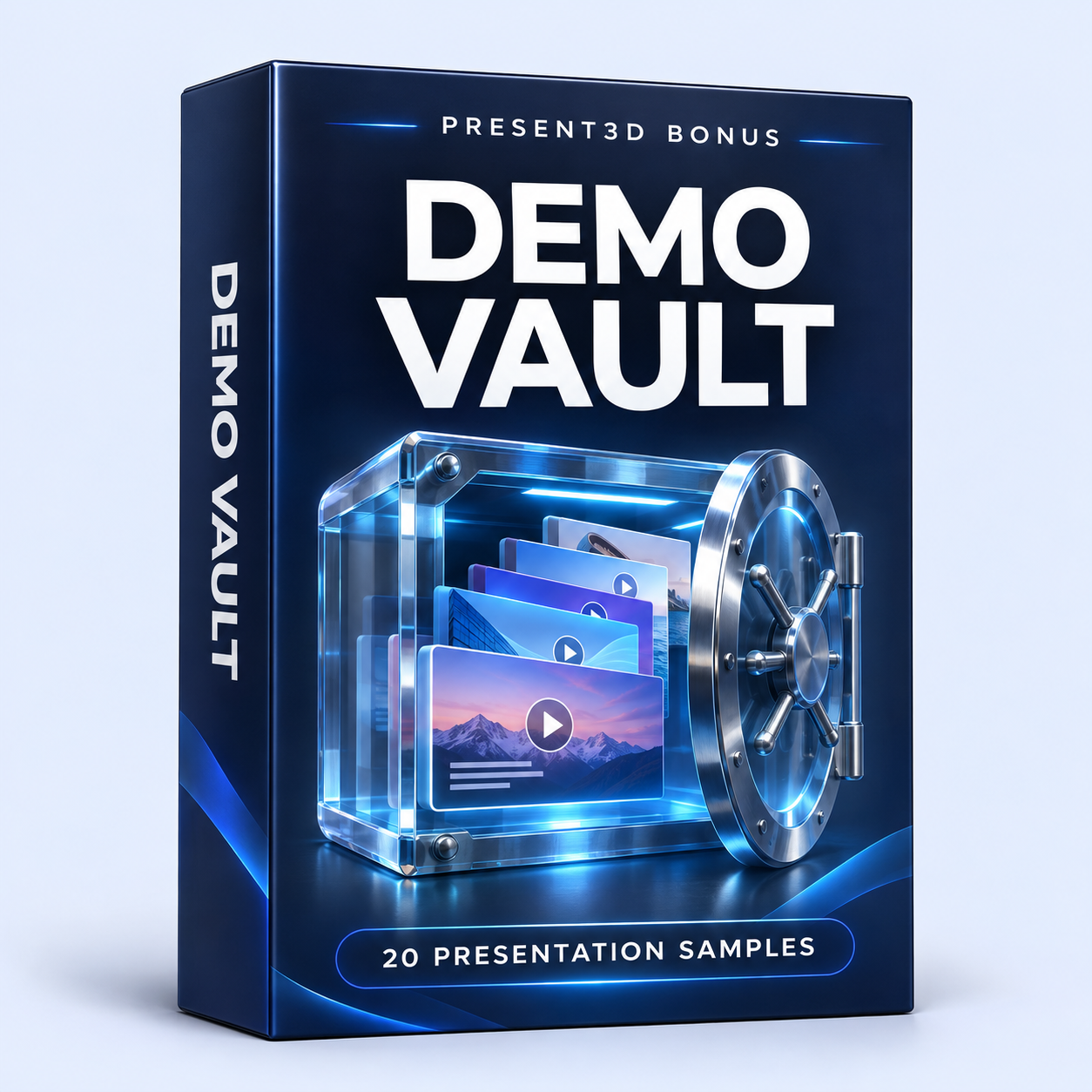
Promotional 3D boxshot for Demo Vault
VIP BONUS 05

Demo Vault

Explore presentation samples and demo scripts across popular niches to prepare your own demonstrations.

Explore Present3D's current purchase bonuses.

These five VIP bonuses are listed by the vendor for members-area delivery after eligible purchases. Review current pricing, bonus eligibility and plan inclusions on the official offer page.

Boxshots are promotional illustrations of digital resources; no physical products are shipped.

Yes! I Want to Start My AI Side Hustle
🔥 Claim Your Black Friday Pricing!Grab the Present3D Black Friday offer while available. Check current pricing and bonus eligibility on the offer page.
Your 15-minute planning sprintPlanning reminder, not an offer deadline.
Purvesh Mahajan

Blue Cap Marketer

Practical marketing. A clear next step.

Blue Cap Marketer introduces Present3D as a tool for marketers, coaches and creators to explore interactive presentations and potential client services.

Purvesh Mahajan · Founder, Blue Cap Marketer

About Blue Cap Marketer ↗

A quick heads-up

Questions? We’re here.

Explore the workflow before deciding whether the software fits your business.

Have questions about this offer?

Contact Blue Cap Marketer for questions about this promotion.

Contact our team →

For Present3D software or purchase support: support@oppyo.com.

Is Present3D free?

Present3D is a paid software product. Submitting the form is free and takes you to the vendor offer, where you can review current pricing and choose whether to purchase.

Do I need to be a designer?

The vendor demo shows how Present3D can generate and customize presentations from your content without coding. Review the output before using it for your business.

Can I use this for client projects?

For paid client work using Present3D, review the vendor’s Commercial license, included features and usage limits before purchasing.

What happens when the 15-minute timer ends?

The timer is a personal planning reminder. It does not represent an expiring software price or bonus deadline.

How do I access Present3D and the VIP bonuses?

After submitting the form, you will go directly to the Present3D vendor offer. Software access and eligible purchase bonuses are delivered by the vendor after purchase. Review eligibility and plan inclusions on the offer page.

Ready to explore your next AI-powered service?

Explore Present3D, compare its current plans and decide if it fits your business.

Yes! I Want to Start My AI Side Hustle
🔥 Claim Your Black Friday Pricing!Grab the Present3D Black Friday offer while available. Check current pricing and bonus eligibility on the offer page.
Your 15-minute planning sprintPlanning reminder, not an offer deadline.